SPR Smartphone Repair
WhatsApp
MacBook Pro M4 · 4–8 hr · 16 branches

MacBook Pro M4 Trackpad Repair.

Force Touch trackpad glass cracks from drop damage — full module replacement, same mechanism as M3 Pro. All variants covered: MacBook Pro 14" M4 (2024) · MacBook Pro 16" M4 (2024) · MacBook Pro 14" M4 Pro (2024) · MacBook Pro 16" M4 Pro (2024) · MacBook Pro 14" M4 Max (2024) · MacBook Pro 16" M4 Max (2024). Walk into any of 16 SPR branches across KL & Selangor — no appointment needed — or WhatsApp us a photo first for a free quote.
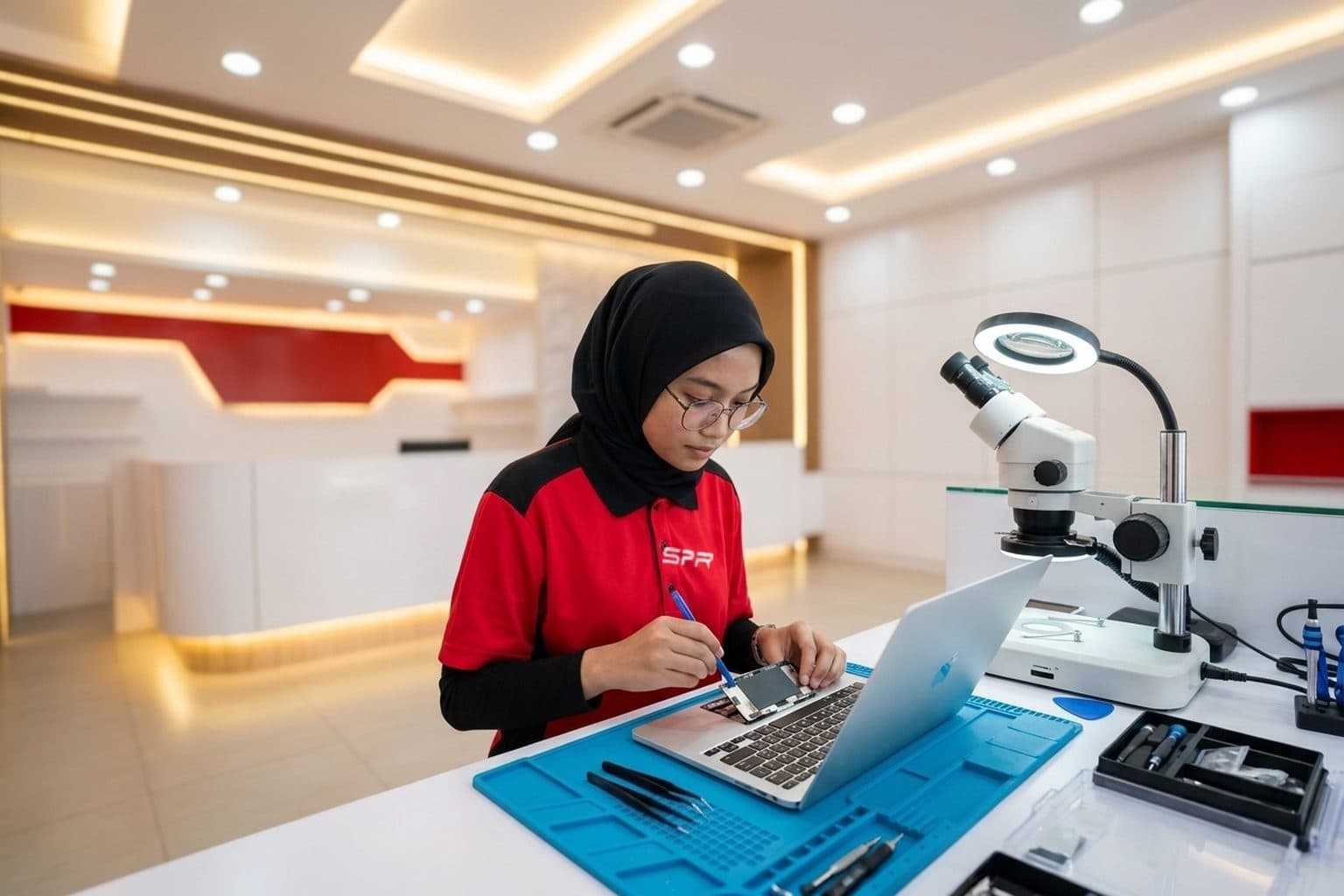
4–8 hr6-month warranty16 branches, no appointment

MacBook Pro M4 trackpad repair at SPR typically takes 4–8 hr at our larger walk-in branches in Kuala Lumpur and Selangor. Every MacBook Pro M4 variant is supported: MacBook Pro 14" M4 (2024) · MacBook Pro 16" M4 (2024) · MacBook Pro 14" M4 Pro (2024) · MacBook Pro 16" M4 Pro (2024) · MacBook Pro 14" M4 Max (2024) · MacBook Pro 16" M4 Max (2024). Free diagnosis on walk-in, free quote on WhatsApp, 6-month warranty on parts and labour, honoured at all 16 branches.

Trackpad Repair · what it looks like on MacBook Pro M4
  • The trackpad glass is cracked or chipped, from a drop or an impact.
  • The trackpad won't click — but first rule out a swollen battery underneath, the most common cause of a Force Touch trackpad that stops clicking.
  • The cursor jumps, drifts or registers phantom clicks and gestures on its own.
  • Clicks register intermittently, feel uneven, or the haptic 'click' feedback is weak or gone (Force Touch is haptic, not a physical hinge).
  • The trackpad went erratic or dead after a liquid spill.
What we check first on your MacBook Pro M4
  • Lay the MacBook flat and check for any rocking or a lifted case — a swollen battery under the trackpad is the number-one reason it won't click, and that's a battery job, not a trackpad one.
  • Note whether it's a crack, no-click, or erratic cursor — different causes.
  • Try an external mouse — if that's smooth, it confirms the built-in trackpad, not macOS.
  • Recall any spill — liquid under the trackpad changes the repair to a clean-and-check.
How MacBook Pro M4 trackpad repair actually goes

Counter-to-workshop, typically 4–8 hours. The first thing we check is the battery — on modern MacBooks the battery sits directly under the trackpad, and a swelling battery is the most common reason a Force Touch trackpad stops clicking, so we rule that out before touching the trackpad itself (it'd be a battery repair, not a trackpad one). For a genuinely cracked or faulty trackpad we replace it and recalibrate Force Touch, since the click is haptic — generated by the Taptic Engine, not a physical hinge — and it needs calibrating to feel right. An erratic, jumping cursor can be the trackpad, its flex cable, or again a swollen battery pressing on it, so we diagnose which. Liquid-affected trackpads get cleaned and the board checked for corrosion. We test click, pressure and gestures before returning it, and tell you straight if the real fix is the battery underneath rather than the trackpad.

Send these on WhatsApp for the fastest MacBook Pro M4 quote
  • Exact MacBook model and year.
  • Whether it's cracked, won't click, or has an erratic / jumping cursor.
  • Whether the MacBook sits flat or rocks (swollen-battery check).
  • Whether any liquid was spilled, and whether an external mouse works fine.
SEC-04 / PIPELINE · How it works

Four steps. Zero hassle.

STEP-015 min
Intake

Snap a photo

WhatsApp the damage + your device model. We reply within 5 minutes.

STEP-0210 min
Diagnosis

Get a quote

Transparent pricing before you commit. OEM-grade and premium options explained.

STEP-0330–90 min
Repair / BAY 02·03

Walk into a branch

Drop in at any of 16 workshops. No appointment. Free diagnosis on arrival.

STEP-04Same day
QC + Pickup

Take it home

Most repairs done the same day. 6-month warranty included on every fix.

16 Branches
Locations

16 branches.
One always nearby.

Walk in during opening hours. No appointment needed. Each branch is owned and operated by SPR — same standard everywhere.

SEC-07 / QA AUDIT

Don't take our word. Take theirs.

Google
4.9★★★★★
N=17,000+
Facebook
4.7★★★★★
N=720+
Google total across all 16 SPR branches
RVW-001Verified
★★★★★

Brought in my iPhone 13 after it took a swim in the pool. Two other shops said replace the phone. SPR Kepong ultrasonic-cleaned the board overnight and it's been working perfectly — that was six months ago.

C
── Mr Chen K.M.
Kepong · Water damage · 2026
RVW-002Verified
★★★★★

Samsung S23 had the dreaded green line. Three shops said the whole OLED panel needed replacing. SPR Uptown did the green-line correction in 90 minutes. Warranty honoured, no pressure sell on extras.

A
── Aisyah R.
Uptown Damansara · Green line · 2026
RVW-003Verified
★★★★★

MacBook Pro battery swollen after four years. Walk-in at Mid Valley Express, OEM-grade replacement done same day while I had lunch. Clear warranty, no surprises.

R
── Raj S.
Mid Valley · MacBook battery · 2026
SEC-08 / SUPPORT · Questions

Before you walk in.

Common questions. For unlisted cases, contact SPR support directly via WhatsApp.

Q.01Where can I get MacBook Pro M4 trackpad repair near me in KL or Selangor?[+]
└─ SPR has 16 walk-in branches across KL and Selangor — Kepong, Uptown Damansara, Puchong Kenari, Sri Petaling, Taman Segar, Setapak, Mahkota Cheras, Pandan Indah, Ampang, Mid Valley, IOI City Mall, Sungai Wang, Maluri, Equine Park, Taipan USJ, and Kuchai Lama. MacBook repairs are concentrated at our Kepong HQ flagship (full board-level lab), Mid Valley, and Uptown Damansara — those branches carry the ESD-grade tooling for top-case work, board reflow, and liquid-damage recovery. WhatsApp us a System Report first and we'll route your MacBook Pro M4 to the right branch.
Q.02How long does MacBook Pro M4 trackpad repair take?[+]
└─ 4–8 hr at most SPR branches for MacBook Pro M4. Walk in without an appointment, or WhatsApp us first to confirm parts at the location nearest you. All MacBook Pro M4 variants are covered: MacBook Pro 14" M4 (2024) · MacBook Pro 16" M4 (2024) · MacBook Pro 14" M4 Pro (2024) · MacBook Pro 16" M4 Pro (2024) · MacBook Pro 14" M4 Max (2024) · MacBook Pro 16" M4 Max (2024).
Q.03What does MacBook Pro M4 trackpad repair cost in Malaysia?[+]
└─ We don't post fixed prices because cost depends on which MacBook Pro M4 variant (MacBook Pro 14" M4 (2024) · MacBook Pro 16" M4 (2024) · MacBook Pro 14" M4 Pro (2024) · MacBook Pro 16" M4 Pro (2024) · MacBook Pro 14" M4 Max (2024) · MacBook Pro 16" M4 Max (2024)), the parts tier you choose, and whether any secondary damage is involved. WhatsApp us a clear photo of the issue and the exact model — we send a free quote within minutes. No charge for walk-in diagnosis.
Q.04What warranty does SPR give on MacBook Pro M4 trackpad repair?[+]
└─ Every MacBook Pro M4 repair includes a 6-month warranty on parts and labour, honoured at all 16 branches across KL and Selangor. Logic-board and water-damage repairs carry shorter warranties due to the unpredictable progression of underlying damage — we explain the terms before any work starts.
Q.05My MacBook trackpad won't click — does it need a new trackpad?[+]
└─ Often not. The most common cause of a Force Touch trackpad that won't click is a swollen battery directly underneath it pushing up and jamming it — that's a battery repair, and the trackpad starts clicking again once the swollen cell is replaced. We always check the battery first. Only if the trackpad itself is cracked or faulty do you need a trackpad replacement. The free diagnosis tells you which, so you don't replace the wrong part.
Q.06My MacBook cursor jumps around and clicks on its own — what's wrong?[+]
└─ That erratic, phantom-click behaviour is usually the trackpad or its flex cable, sometimes triggered by a swelling battery pressing on the trackpad from below, and occasionally a liquid-spill residue. We diagnose which — a flex reseat or replacement, a trackpad replacement, or a battery if it's swelling. An external mouse test helps confirm it's the trackpad and not macOS before any work.
Q.07Can you replace just the trackpad glass if it's cracked?[+]
└─ On most MacBooks the trackpad is replaced as a unit (glass plus the Force Touch mechanism), because the click is haptic and the sensor and glass are integrated — a glass-only swap isn't reliable. We fit the trackpad assembly and recalibrate Force Touch so the click feels right. We confirm your exact model's part before quoting.
Q.08MacBook Pro M4 screen cracked — how long and where to repair?[+]
└─ Liquid Retina XDR display assemblies are high-value parts we confirm in stock before booking. It's a 24-hour job at Kepong HQ or select major branches. WhatsApp us the model (14-inch vs 16-inch, M4 vs M4 Pro vs M4 Max) and a photo of the damage — we give you a realistic timeline and quote before you come in.
Q.09Is M4 Pro logic board repairable if it doesn't turn on after a drop?[+]
└─ Yes — we handle Apple Silicon board-level work at Kepong HQ. The M4 SoC itself is extremely integrated but board-level component failures (power delivery, charging IC, connector pads) are diagnosable and repairable. Free diagnosis first; we tell you the realistic scope and odds before any work starts.
Button / keyboard / trackpad / crown repair · other Apple devices

Same trackpad repair. Different Apple device?

Same fault pattern shows up across the Apple cluster — SPR handles trackpad repair on every Apple device. Pick what you have:

SEC-09 / FREE QUOTE

Your MacBook Pro M4. trackpad repair today.

MacBook Pro M4 trackpad repair at SPR — 4–8 hr, 6-month warranty, 16 branches. WhatsApp us a photo for a free quote.

Phone broken?
Free WhatsApp quote · No fix, no fee
WhatsApp