Q.01Where can I replace my Samsung Galaxy battery near me in KL or Selangor?[+]
└─ SPR has 16 walk-in branches across Kuala Lumpur and Selangor, including Klang, Cheras, Kepong and Puchong. Walk into the closest branch — no appointment needed. Free battery health check on arrival before any quote.
Q.02How do I know if it's time to replace my Galaxy's battery?[+]
└─ Check Settings > Battery > Battery Health if your model shows it — below roughly 80% capacity is the usual point where daily drain becomes noticeable. Other signs: charge doesn't last a full day like before, random shutdowns above 20% battery, or the phone runs hot while charging. WhatsApp us and we'll check it for free.
Q.03Is a swollen battery dangerous?[+]
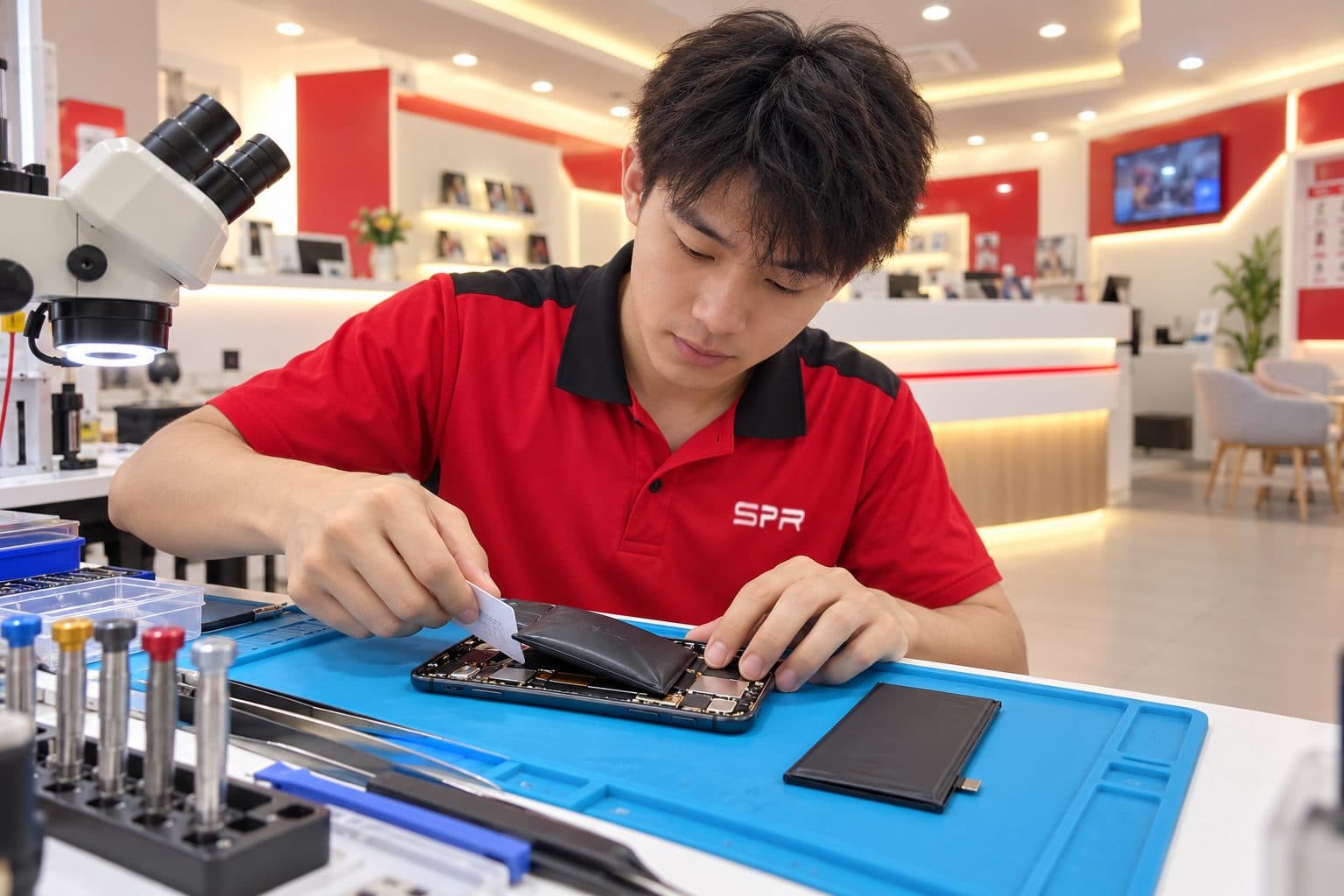
└─ A swollen lithium-ion cell is a genuine safety concern — stop charging it immediately and avoid puncturing or applying pressure to the phone. It's not an emergency that requires you to remove it yourself; walk into any SPR branch and we handle the removal carefully. We treat swollen-battery cases as a priority.
Q.04What's covered by your 6-month warranty?[+]
└─ Every paid battery replacement carries 6 months of warranty on the cell and the workmanship that installed it. If the same issue returns under normal use within 6 months, bring the device back to any SPR branch for free re-work — no separate quote, no second invoice. Warranty does not cover new accidental damage.
Q.05Do I need to make an appointment, or can I walk in?[+]
└─ Walk-in is fine — all 16 branches accept Samsung Galaxy drop-off during opening hours. Battery replacement is usually same-day, often within an hour if the cell is in stock at that branch. WhatsApp first to confirm stock and save a trip.
Q.06What grade of battery cell do you use for Samsung phones?[+]
└─ We use OEM-grade cells as standard with optional premium-grade upgrades. We don't claim Samsung authorisation and we don't sell counterfeit or refurbished cells. The quote on WhatsApp specifies the grade before any work starts.
Q.07Is SPR an authorised Samsung service centre?[+]
└─ SPR is an independent Samsung repair shop — we are not an authorised Samsung service centre and we don't claim Samsung authorisation. If your device is still under Samsung warranty, an authorised centre may be the better route. For fast, out-of-warranty battery replacement at independent pricing, SPR handles Galaxy S, Note, A-series, Z Fold and Z Flip batteries — same-day on most jobs across 16 walk-in branches in KL & Selangor.
Q.08How much does a Samsung Galaxy battery replacement cost?[+]
└─ It depends on the exact model and part grade (OEM-grade standard, premium-grade optional) — battery replacement is usually the lowest-cost repair on a Galaxy compared to screen or board-level work. We don't publish fixed prices because part costs shift with model and stock — WhatsApp your model and you'll get an exact quote fast, free and with no obligation.
Q.09Why does my Galaxy only charge to 80% or 85%?[+]
└─ Check the Protect battery option in the battery settings first. When it is on, One UI deliberately stops charging at 80% or 85% to slow cell wear. If you turn it off and the phone still stalls early, or the percentage then drops quickly, bring it in for a free health and charge-cycle check.
Q.10My Galaxy battery drains fast after an update — do I need a new battery?[+]
└─ Not always. A big One UI update makes the phone re-index and re-optimise in the background, and drain can stay high for a day or two. Give it a couple of days on the charger overnight. If it is still draining fast, or the phone shuts down at 20-40%, the cell is the next suspect and we check it for free.
Q.11Is replacing the battery on a Galaxy Z Fold or Z Flip different?[+]
└─ Yes. Foldables carry two cells, one on each side of the hinge, and we replace them as a matched set while keeping the display flex by the hinge undisturbed. It takes more care than a slab phone, so WhatsApp your exact model first and we will confirm the cells are in stock before you travel.
Q.12Is my data safe during a battery replacement?[+]
└─ Battery replacement doesn't require the device to be wiped or unlocked in almost all cases. For peace of mind, back up to Samsung Cloud or Google before drop-off if you can, especially for swollen-battery cases where the phone may need to stay powered off.