 KL & Selangor · 16 branchesKL & Selangor · 16 branches
Cable not detected, only charging at a certain angle, or the port feels loose? Most 'won't charge' cases on iPhones over 2 years old are pocket lint compacted into the port — we try a free clean first. If the port flex is bent or pin-damaged, we replace the whole flex assembly; 45 minutes at the counter.
 ON-BENCH REPAIR · 16 BRANCHES
Most of these start as a free fix. Here's what we look for before quoting anything paid.


Most iPhones that 'won't charge' aren't actually broken — on phones older than 2 years the usual cause is pocket lint compacted into the port, and a free clean at the counter resolves it. If the cable only makes contact at certain angles or the port feels loose, the port flex itself is likely bent, worn, or pin-damaged (common after forced cable insertion, especially on iPhone 15 and newer USB-C ports), and we replace the whole flex assembly. When cleaning and flex replacement both fail to fix it, the fault is usually the Tristar or Hydra power-management IC on the logic board, damaged by voltage spikes from cheap chargers — that moves to Kepong HQ for component-level reflow.
Counter-level: 45 minutes typical. Free lint clean at any branch resolves the majority of 'won't charge' cases on iPhones older than 2 years — we always try this first before quoting paid work. If the port flex is bent, worn, or pin-damaged from forced cable insertion (especially common on iPhone 15 series owners new to USB-C), we replace the entire charging-port flex assembly with an OEM-grade part. Lightning ports (iPhone 14 and earlier) and USB-C ports (15, 16, 17) are different parts with different stock at branches. Workshop-level (Kepong HQ): if free clean and flex replacement both fail, the issue is likely the Tristar / Hydra power-management IC on the logic board itself — these fail from voltage spikes (cheap chargers) and need component-level reflow at our Kepong workshop. Not recoverable: severe water-damage corrosion that has eaten through both the port flex and the logic-board pad sometimes can't be salvaged at sensible cost; we tell you straight before charging anything.
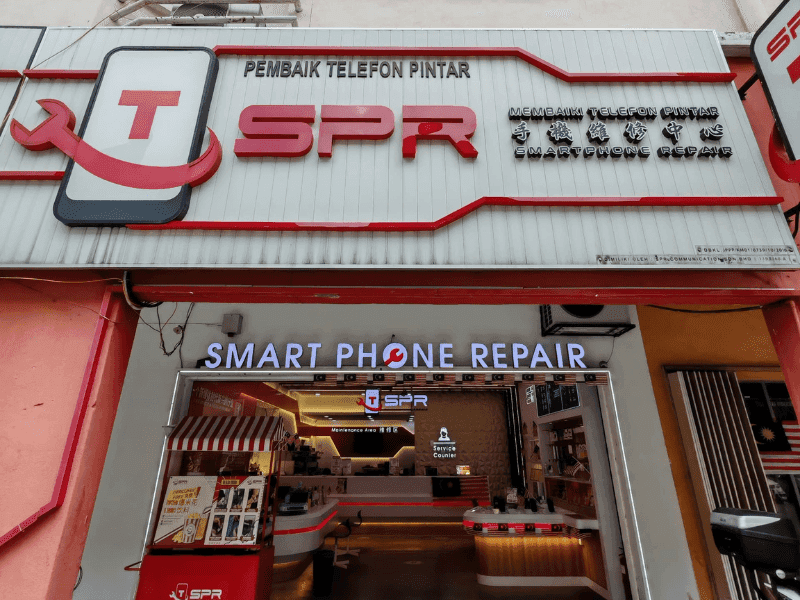
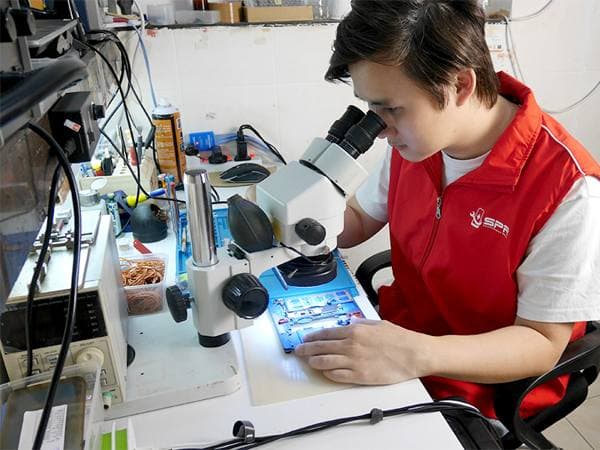

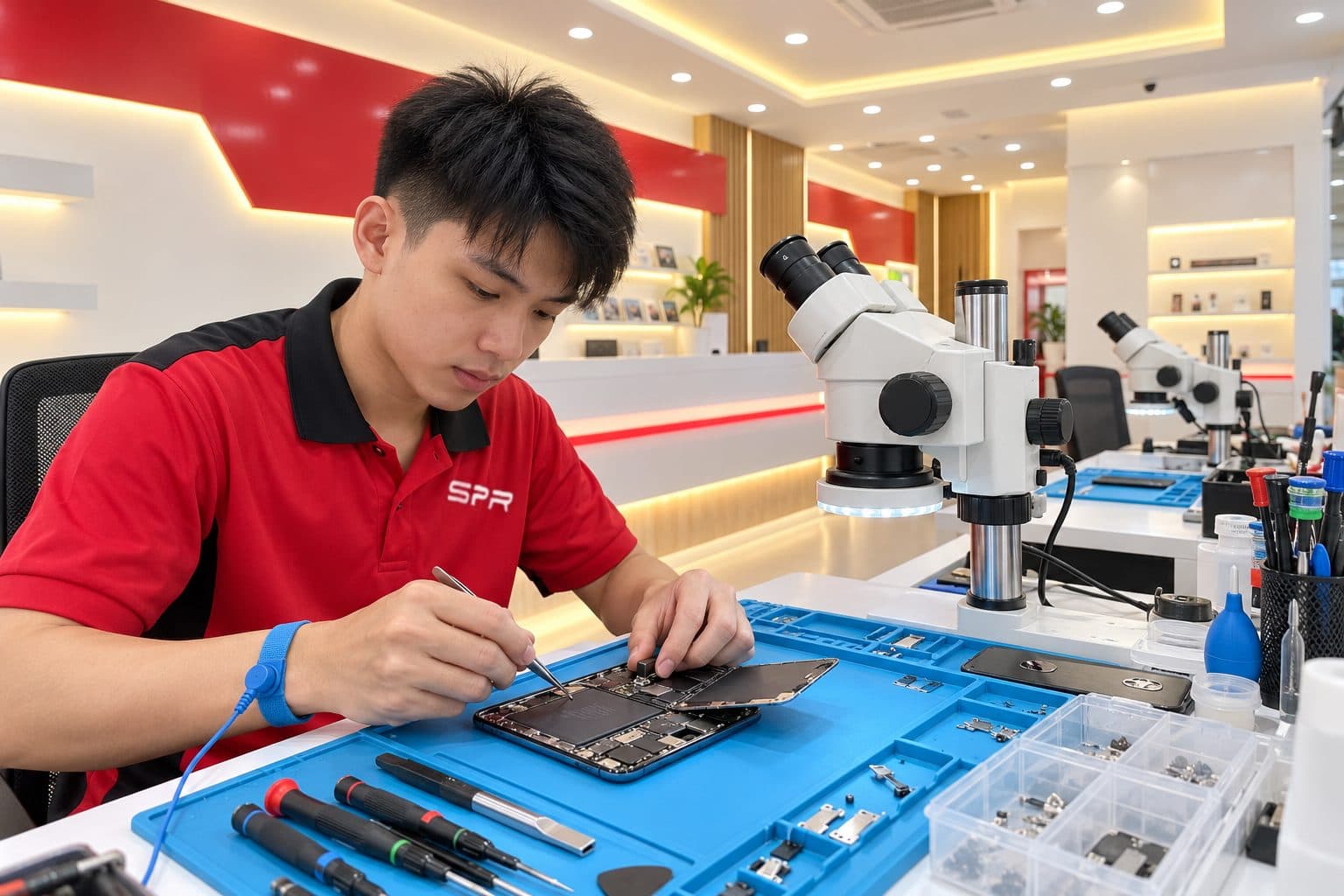
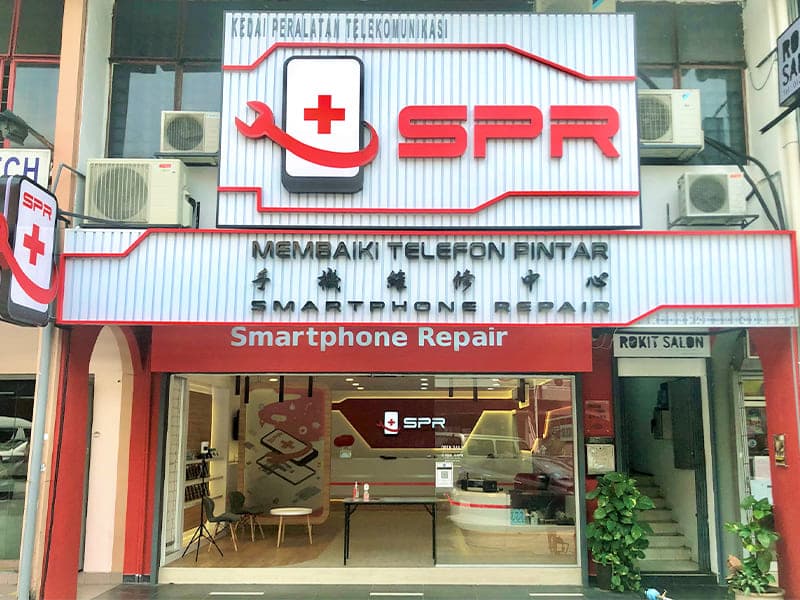
Every repair happens on grounded anti-static workstations with calibrated tools and microscope inspection. 16 workshops, same setup.
Charging Port supported across every iPhone generation — parts stocked at all 16 branches.
Stocked at most branches · 45 min at the bench · 6-month warranty.
Walk in any day — same warranty, same QC at every shop.
Often, but not always. Roughly 60% of 'won't charge' cases we see are pocket-lint compaction (free clean fixes it), 30% are flex damage from worn pins or forced insertion, and 10% are logic-board Tristar / Hydra IC faults that need workshop-level repair. Free diagnosis at any branch tells you which one — we try the free clean first before quoting paid work.
Yes. USB-C port damage on iPhone 15/16/17 is most commonly bent inner pins from cable insertion at the wrong angle (Lightning users often push USB-C in too forcefully out of habit). Free pin straighten resolves minor bends; full flex replacement for severe damage. WhatsApp us a magnified photo of the port and we'll quote.
The port has a corrosion-sense pin that triggers iOS's 'Liquid Detected' alert. After previous water exposure (even months ago), residual corrosion or oxidation on the sense pin causes false alerts. We clean the sense pin under microscope; if it's heavily oxidised, port-flex replacement clears it permanently.
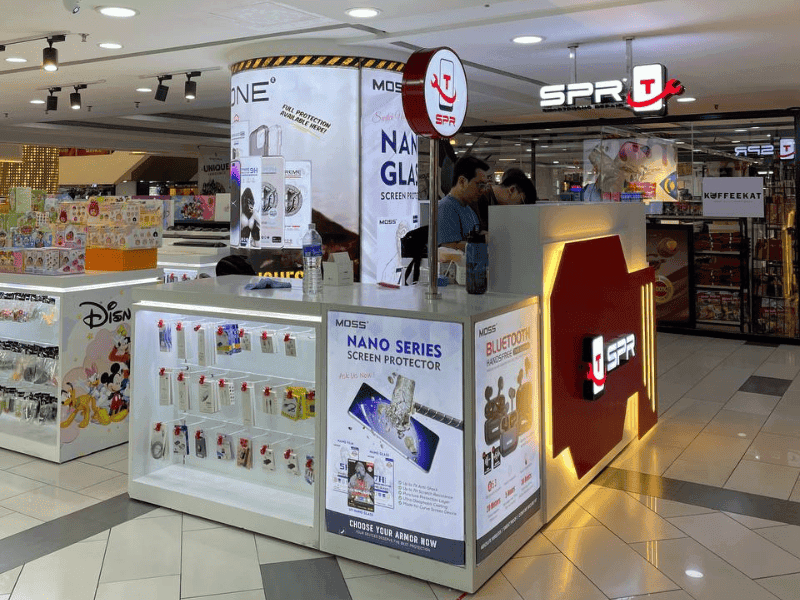
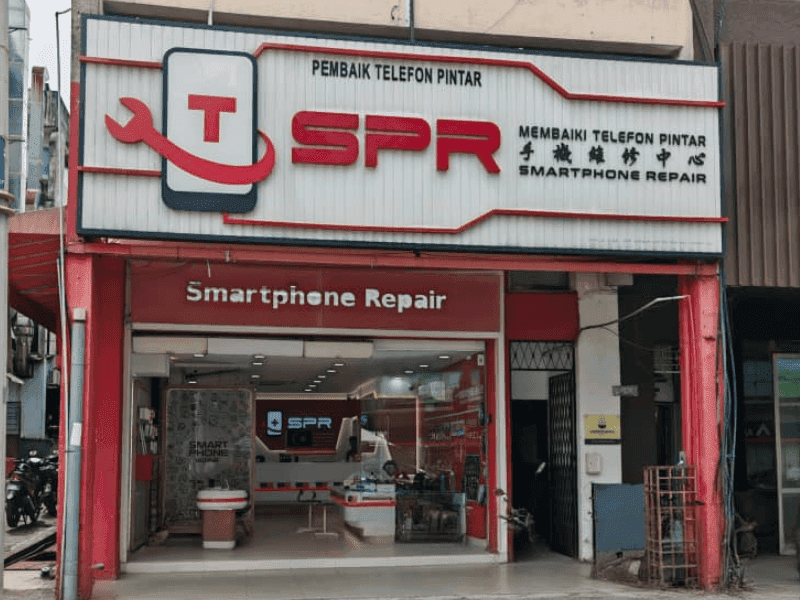
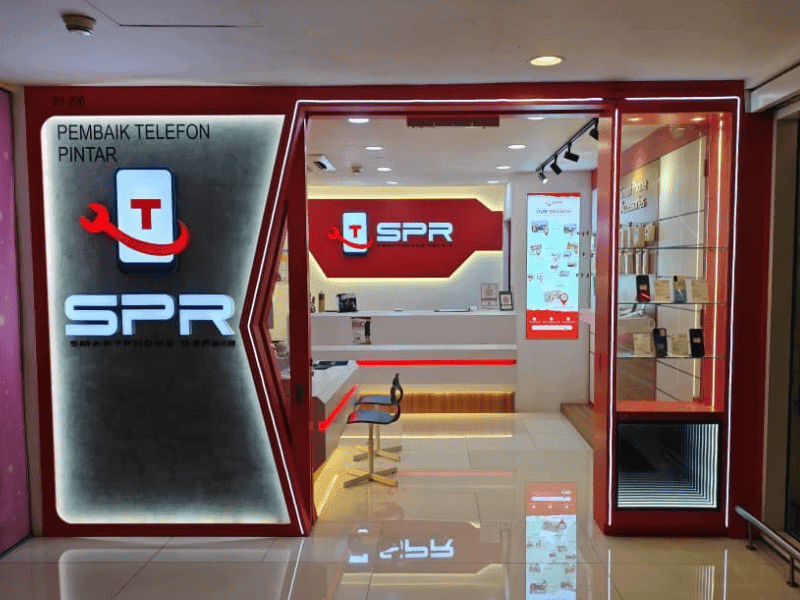
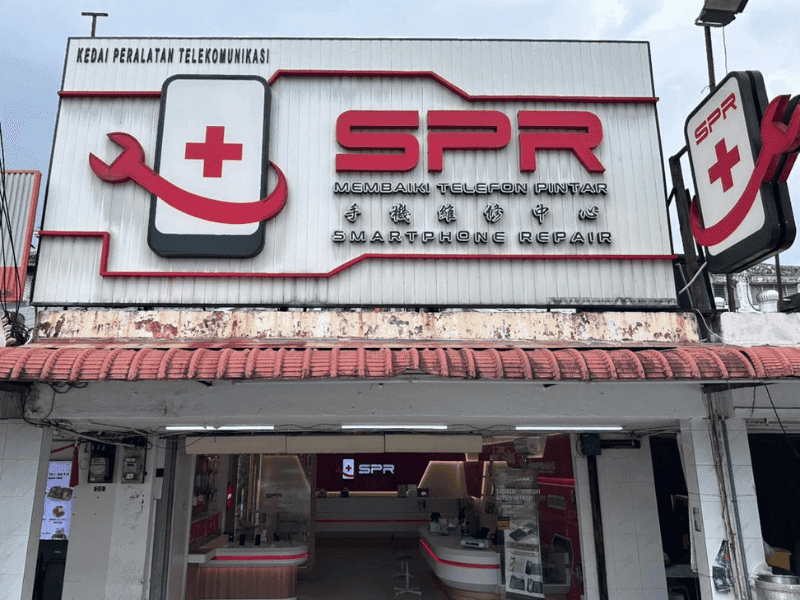
SPR has 16 walk-in branches across Kuala Lumpur and Selangor — Kepong, Uptown Damansara, Puchong Kenari, Sri Petaling, Taman Segar, Setapak, Mahkota Cheras, Ampang, Rawang Anggun City, Mid Valley, IOI City Mall, Sungai Wang, Maluri, Equine Park, Taipan USJ, and Kuchai Lama. Walk into any branch — no appointment needed — or WhatsApp us a photo of your iPhone first to confirm parts at the branch nearest you.
Typically 45 min at any of our 16 branches. Walk in without an appointment, or WhatsApp us your model to confirm stock first.
All iPhone models: iPhone SE (2nd and 3rd gen), iPhone 11, 12, 13, 14, 15, and 16 series including all Pro, Pro Max, Plus, and Mini variants. Older iPhones (X, XR, XS, 8, 7, 6s) supported on a parts-availability basis at most branches.
Cost depends on the iPhone model and the parts tier you choose. We don't post fixed prices because every case is different. WhatsApp us a photo of the damage and the model and we send a free quote within minutes. No charge for diagnosis if you walk in.
No — SPR is independent. We're not Apple, not an Apple Authorised Service Provider, and we don't claim to be. We've been repairing Apple devices for 17 years across 16 branches in KL and Selangor. If you specifically want Apple-genuine parts and an Apple-issued service record, your only option is Apple's own out-of-warranty service. If you want fast same-day independent repair with a 6-month warranty at independent shop pricing, that's us.
Every charging port at SPR comes with a 6-month warranty on parts and labour, honoured at all 16 branches across KL and Selangor — bring it to any SPR location for warranty work, not just the branch where the repair was done. Water-damage repairs carry a shorter warranty due to the unpredictable progression of corrosion.
OEM-grade parts as standard — manufactured to the same specifications as the originals. Premium-grade options are available on request for most models. We show you both tiers upfront so you can choose what fits. Apple does not sell parts to repair shops, so no independent shop in Malaysia can offer Apple-genuine parts; anyone claiming so is misleading.
Yes. Free diagnosis on walk-in at every branch. If we cannot repair your device, you pay nothing — no diagnostic fee, no consultation charge. Many fixes (lint cleaning, ultrasonic cleaning, software-only) cost nothing if that's all that's needed.
Charging Port at any of 16 SPR branches across KL & Selangor. WhatsApp us a photo and we'll confirm stock + quote in minutes.


